
MFA Step 2: Download the MFA App
Effective Monday, Oct. 5, we will have new student services hours for students seeking assistance through the contact center, virtual chat, or visiting a campus. View the New Hours.
Downloading the MFA App Onto Your Device
Users will download the Authenticator app to their chosen verification device. (e.g., a tablet or phone).
Step 1:
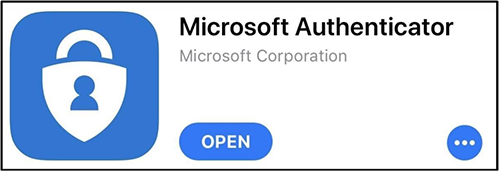
Search for the Microsoft Authenticator app on your device’s App store.
Step 2:
Download and install the app on the designated device.
Get Help
If you run into any issues with setting up the multi-factor authentication feature, please:
Frequently Asked Questions
Call Technical Support
- Available 24/7
- 972-669-6402
- Dual Credit Students: 972-669-6555