Navigate Student Mobile App Quick Guide: Resources
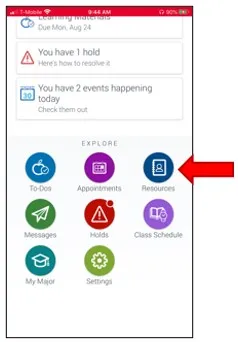
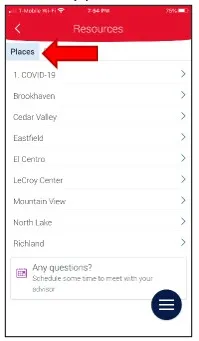
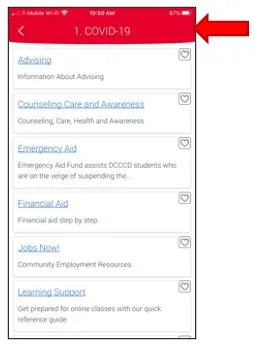
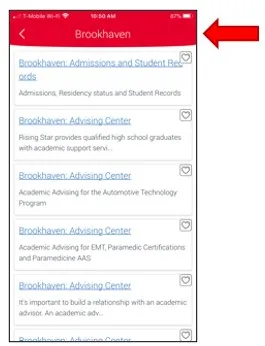
1. Notice Resources under the Explore menu list. Notice the default tab is the Places The first listed resource is the COVID-19 District level resources, followed by each campus listed in alphabetical order. You may select a campus location and review the available academic and student support resources.
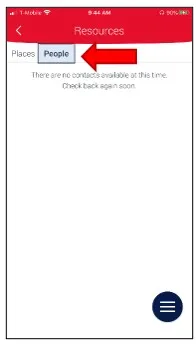
2. On the Resources, select the People Your assigned academic advisor name will be listed on this page. Write down the name of your assigned advisor to schedule an advising appointment with that advisor.