Workday: Check Task Items
This page provides instructions to students for checking notifications in Workday.
Check Notifications in Workday
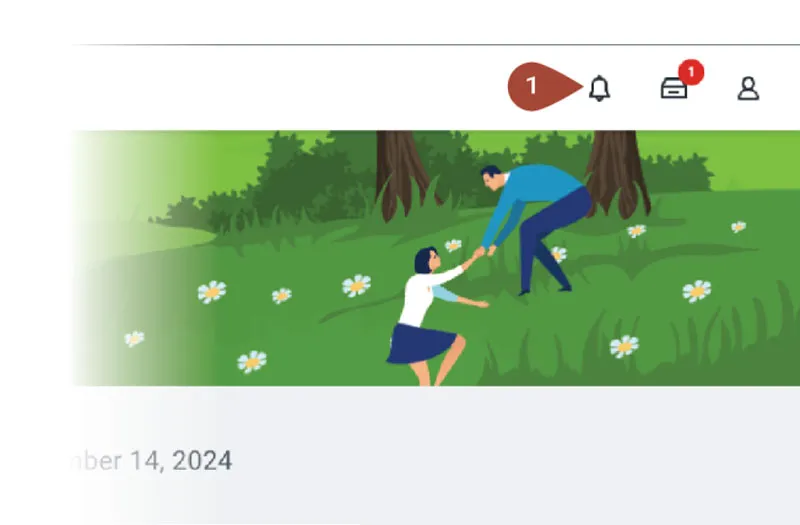
Look to the top right corner of the screen and select the Notification icon (bell).
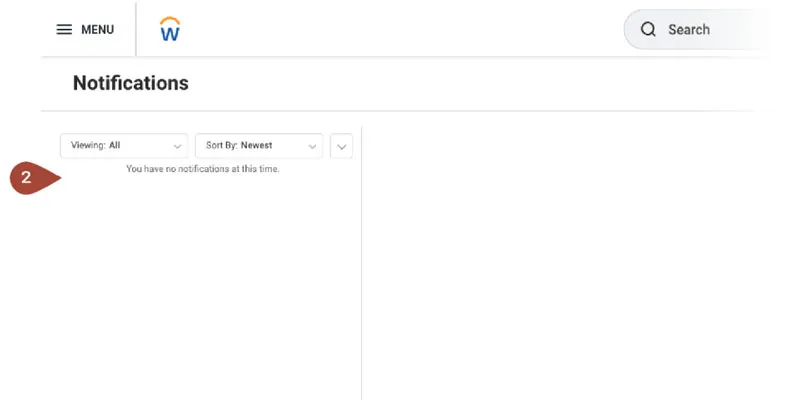
Any notifications will be listed in the left-hand panel.
Select a notification to view it in the right-hand panel.