Workday: View Profile and Access Dashboards
Effective Monday, Oct. 5, we will have new student services hours for students seeking assistance through the contact center, virtual chat, or visiting a campus. View the New Hours.
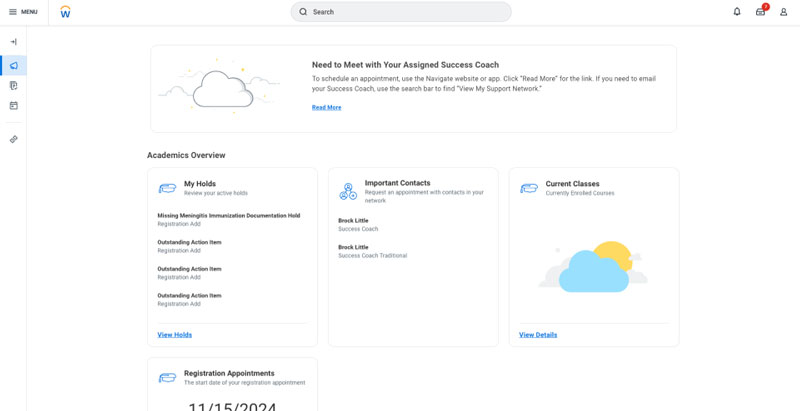
This page provides instructions for students on how to view a student profile and access the Academics Hub.
Viewing Your Student Profile
On the Workday Student homepage, select the student profile icon in the upper right.
Select View Profile.
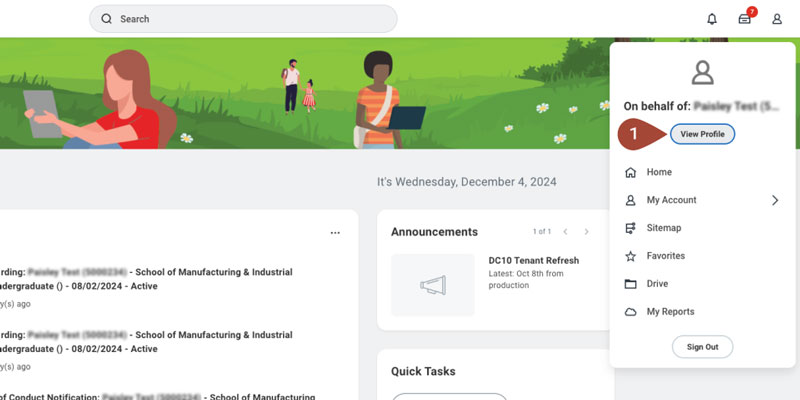
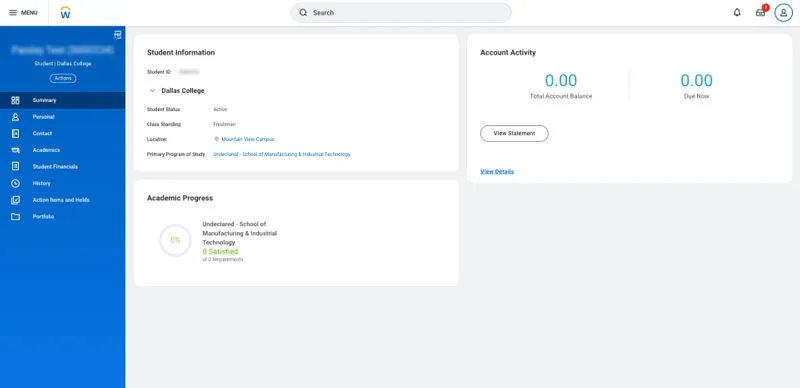
This will open the student profile to view more detailed academic and financial information.
Accessing Dashboards
On the Workday Student homepage, select the Academics Hub under Your Top Apps.
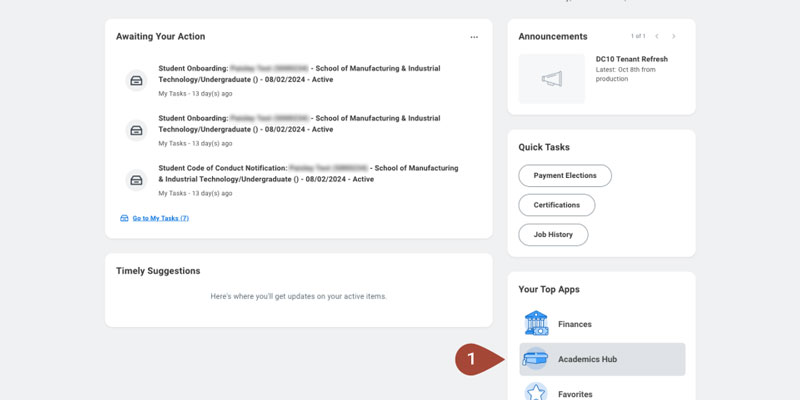
This will show academic records and other relevant student information.